
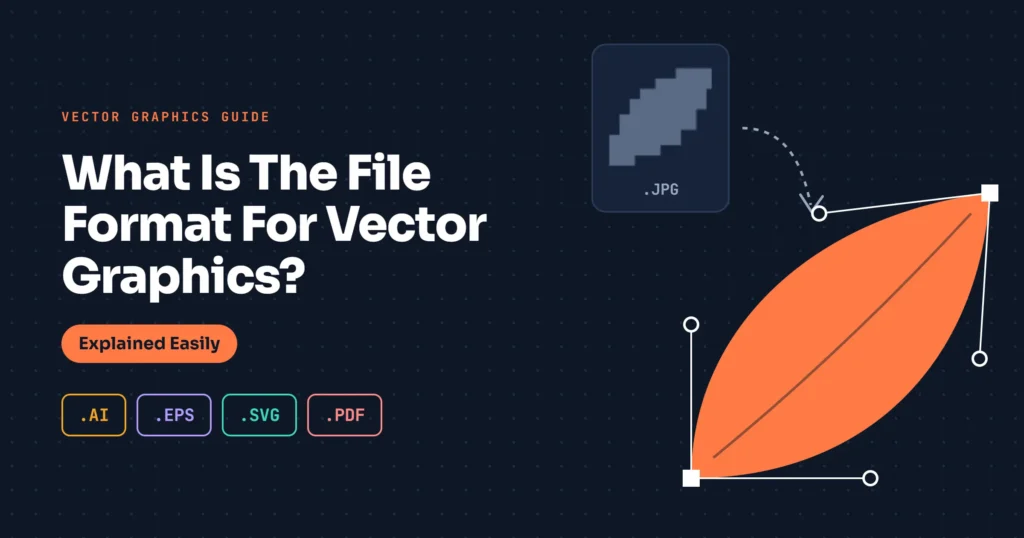
Vector graphics and raster graphics are two main types of graphics. Vector graphics are more suitable for professional use of images where image clarity is important. For different types of uses, different file formats are available for vector graphics.
If you need to Convert JPEG To Vector, you should have an idea about different vector file formats. It will assist you in getting the best output from your required vector file. We are not going to use any complex words for that. We will explain it as simply as possible.
Lets know.
What Is The File Format For Vector Graphics?
AI- Adobe Illustrator
When you save a file in Adobe Illustrator, it will be saved as AI by default. It’s an editable file format for vector conversion.
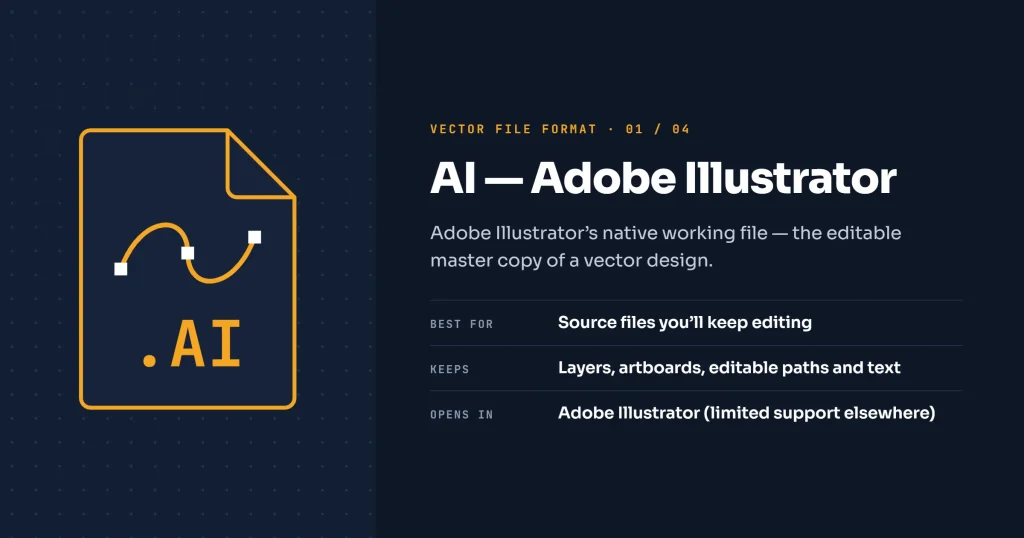
During the design process, a designer can work with individual paths, shapes, colours, text, groups, and other elements. The flexibility of a file depends on how the artwork was created.
EPS- Encapsulated PostScript
EPS is a graphics format used to transfer vector files between different production procedures. EPS format is suitable to work with printers, designers, sign companies, and other professional production providers.
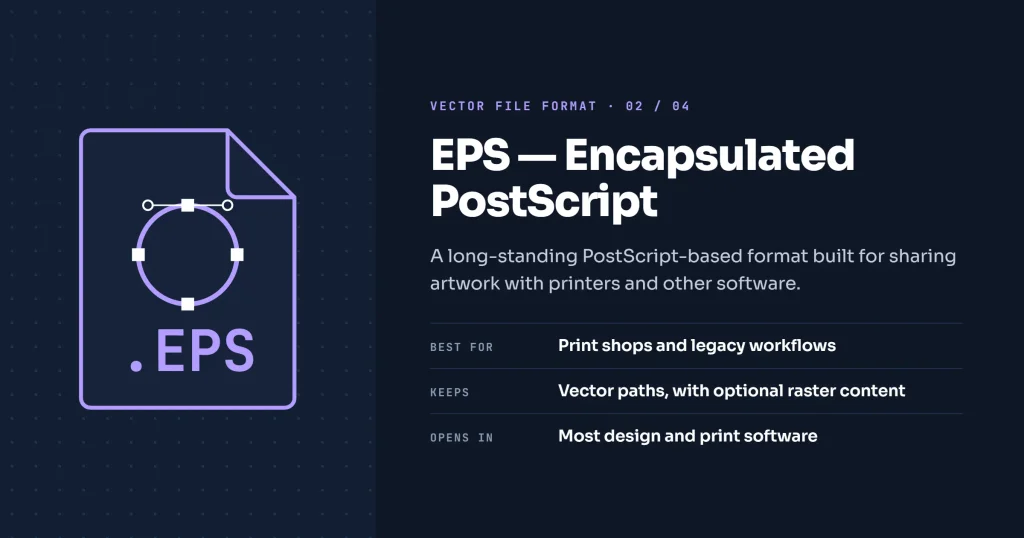
This format is also needed to move files between different design software. EPS can contain both vector and bitmap content.
SVG- Scalable Vector Graphics
Would you like to use crystal-clear images on your website? What is the file format for vector graphics for that? Well, SVG is useful for digital and web applications.
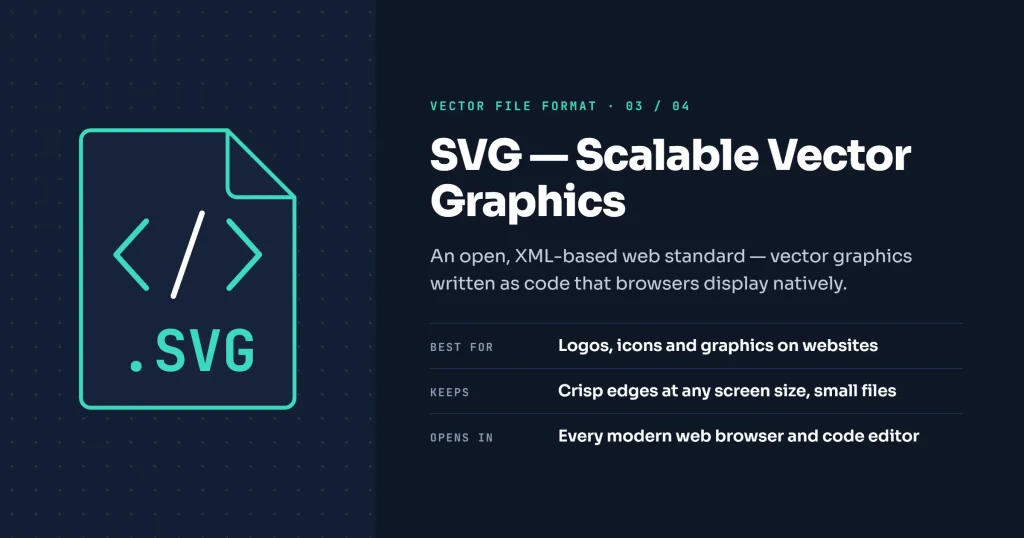
The artwork is represented as scalable graphics. SVG can be rendered at different sizes without the same pixelation. It’s associated with enlarging a raster image.
PDF- Portable Document Format
Most of us are familiar with the PDF format. It’s a little different from other formats. It’s known as a document format. But a PDF preserves vector graphics also.
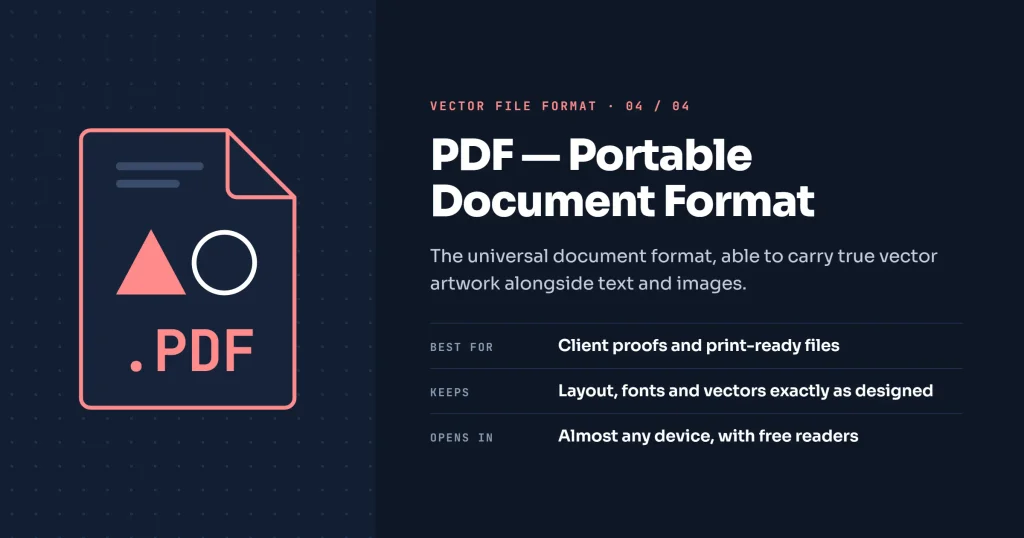
That makes it useful for sharing vector designs, reviewing designs, and printing projects. Not every PDF is a vector file.
Which Vector Format Should You Use?
This is a common question while working with a vector project. You need to start with the job based on the project requirements. For editable vector files, you need to go with the AI format. If you want to use a logo or graphic on a website, you should use SVG format.
To send designs to a production provider, you should use PDF or EPS. Also, you can ask for their preferred format. You can use PDF to share finished artwork for review.
Those are the common guidelines for vector projects. So, you should not depend on a specific vector format. You have to choose the format based on the requirements.
How To Check If A File Is Vector or Not?
A file with a vector format doesn’t make the file a proper vector. So, you can’t rely only on the extension. Don’t worry. There are some easy steps to check your vector file.
Step 1: Open it in a vector-based application
A standard vector graphics application reveals more about the file than a standard image viewer.
Step 2: Zoom in closely
Vector artwork remains clean after zooming in. A raster image will show visible pixels after zooming in.
Step 3: Select individual elements
If you’re working with a proper vector file, you should try to select parts of the images. Can you select a particular shape, path, and object separately? If the answer is yes, it’s a proper vector file. If the design works like a flat image, it isn’t a proper vector file.
With those three steps, you can tell if the file is actually a vector or not. If you are outsourcing your vector conversion projects, you can check the received file with those steps. Hopefully, there won’t be any confusion anymore.
What If You Don’t Have a Vector Format?
For example, you have an old logo file. The file is in normal JPG or PNG format. Now, you want to upgrade your existing logo.
What to do? You can get the JPEG to vector conversion service to upgrade your old logo as a clean vector file.JPEG and PNG are raster formats.
If your only copy of a logo is a small JPEG, you can not make it vector by changing the file format only. It needs manual tracing. AI tools can’t do the tracing accurately.
Only expert hands of a vector artist can fix that. Thankfully, we provide that manual vectorization service at a reasonable price. Contact us now to get the service.
Wrap Up
A common misconception about vector graphics is, extension is the only decider of a vector graphics. Hopefully, it won’t confuse you anymore. If anyone asks you what is the file format for vector graphics, you should be able to explain it.
Also, you can check the authenticity of your own vector graphics by following the above process. Do you need any assistance to recreate your images? Our Vector Designers are ready to assist you.
FAQ’s
Is JPEG a vector file?
No. JPEG is a raster image format. It saves images as pixels. Images captured by smartphones are saved as a JPEG format.
Is PNG a vector file?
PNG is also a raster format. It provides high-quality digital images with transparency. But it isn’t a vector format.
Is PDF a vector file?
A PDF can be a vector file. PDF isn’t a vector-only format. A PDF could be vector graphics, raster images, text, and combinations of those things.
Is SVG better than PNG?
SVG is a scalable vector format. It is suitable for many types of digital graphics. PNG is a raster format. It’s useful for pixel-based images. There’s no specific better choice for all images.